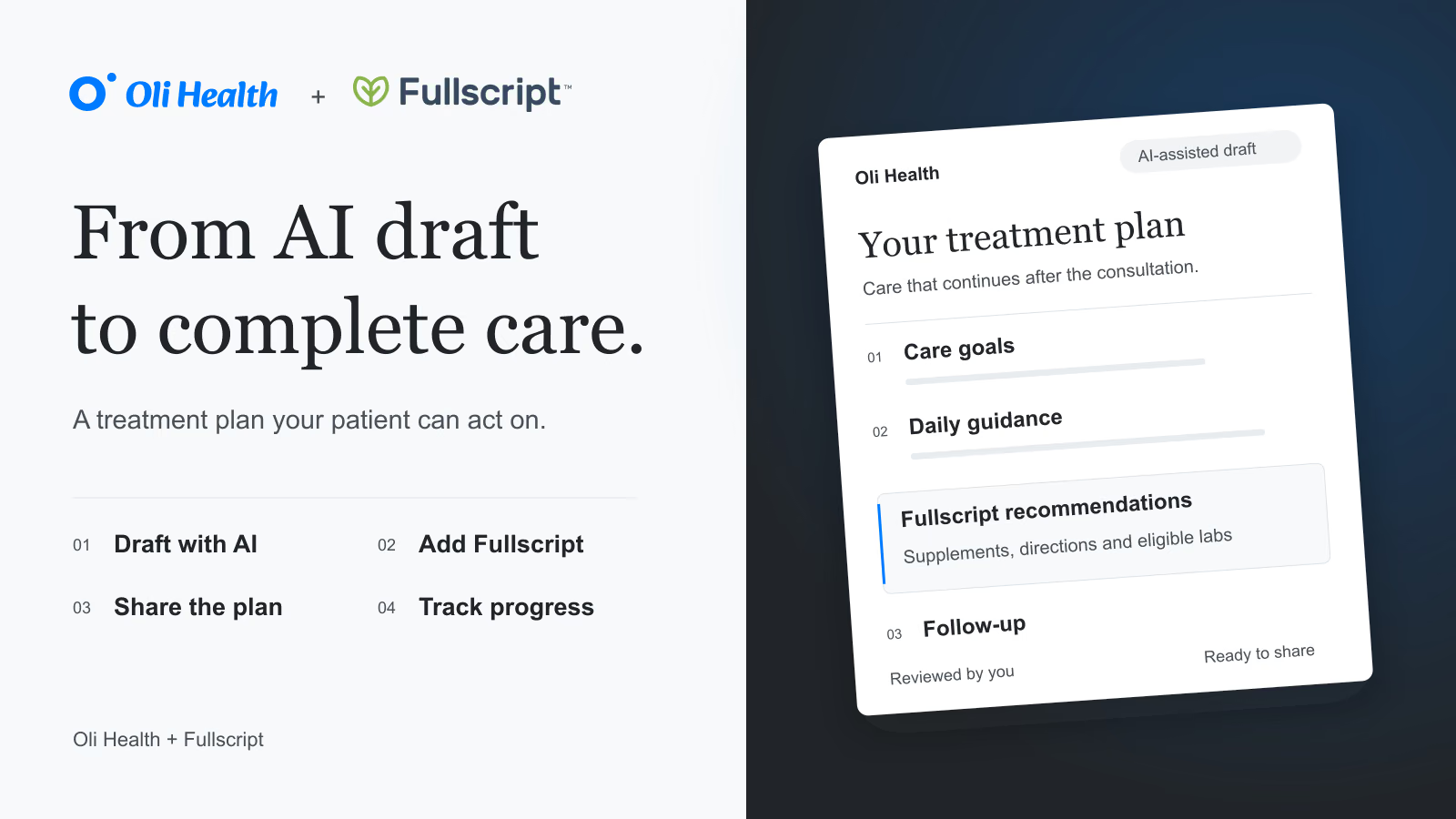
Your patient needs to know what to do next. What should they change? Which supplements should they take? When should they come back?
Create a treatment plan with Oli AI, add Fullscript recommendations in one click, and share the complete plan with your patient. Then follow their progress from the same place you manage their care.
For naturopathic doctors, functional medicine practitioners and nutritionists, it is a simpler way to turn a consultation into clear next steps.
You can watch the Fullscript demo below to see the workflow.
Watch the Fullscript integration demo
See how to add Fullscript recommendations, send a plan and follow patient orders in Oli Health.
Create your treatment plan with AI
Start with your patient’s goals and the conversation you have just had. Ask Oli AI to help turn that context into a treatment plan.
Bring together nutrition and lifestyle guidance, supplement recommendations and a clear follow-up. Review the draft, make it your own and give your patient a plan they can understand.
You spend less time turning your notes into instructions, and your patient has a clearer picture of what comes next.
Add Fullscript recommendations in one click
From your treatment plan, open Fullscript in one click. Add your supplement recommendations and directions, with lab ordering for patients in the USA.
The recommendations sit alongside the rest of your guidance. Your patient can see how the supplements fit into the plan, rather than piecing together instructions from separate conversations.
Oli AI + Fullscript
A clear plan.
Connected care.
Give your patient clear guidance and a place to return to it.
Your treatment plan
Clear guidance. Personal to your patient.
 Recommendations, connected.Supplements, directions and labs in the USA
Keep the next visit in viewSee what has changed since the last visit.
- 01Draft with AI
Start with the chart.
- 02Add Fullscript
Add your recommendations.
- 03Share the plan
Give clear next steps.
- 04Track progress
Plan the next steps.
Then share with the patient in one click
Give your patient the full picture: their goals, daily guidance, Fullscript recommendations and follow-up, together in one treatment plan.
Once you have reviewed and signed the plan, share it with your patient in one click. They can return to it in their patient portal whenever they need a reminder of what to do next.
Follow their progress, not just the prescription
Sending the plan is the start of the follow-up. See which supplements your patient has ordered and review available lab results alongside their chart.
At the next visit, ask what is working, what has been difficult and what has changed. Keep those updates with the plan, so you can adjust the next steps with the full story in front of you.
Lab ordering for practices in the USA
For practices in the USA, Fullscript brings lab ordering into the same workflow as your supplement recommendations. Add testing to the plan, follow lab activity and review returned results in Oli Health.
Fullscript labs are available in the USA, not Canada.
Built for the way you care for patients
For naturopathic doctors, the plan can bring nutrition, lifestyle guidance, supplements and testing together. For functional medicine practices, it connects the recommendations from today’s visit with the next review. For nutritionists, it keeps supplement recommendations alongside the food and lifestyle changes you have discussed.
The aim is the same: less work moving information between tools, and a clearer plan for the person receiving your care.
Common questions
How does the Fullscript integration work with Oli Health?
Create a treatment plan with Oli AI, open Fullscript to add supplement recommendations and share the complete plan with your patient. You can then follow supplement orders and available lab results in Oli Health, alongside the patient’s chart and follow-up notes.
Can patients see their full treatment plan?
Yes. After you review, sign and share the plan, your patient can find it in their patient portal. It brings your treatment guidance and Fullscript recommendations together, so they have one place to revisit their next steps.
Can I track supplement orders and lab results?
Yes. Oli Health shows Fullscript supplement ordering activity and lab results for patients in the USA. Use these alongside your patient’s feedback to guide the next visit. Fullscript labs are available in the USA, not Canada.
Make your next treatment plan easier to deliver
Start with your next consultation. Draft the plan with AI, add your Fullscript recommendations and share the next steps with your patient.
Watch the Fullscript demo above to see it in action, or explore the Fullscript integration.